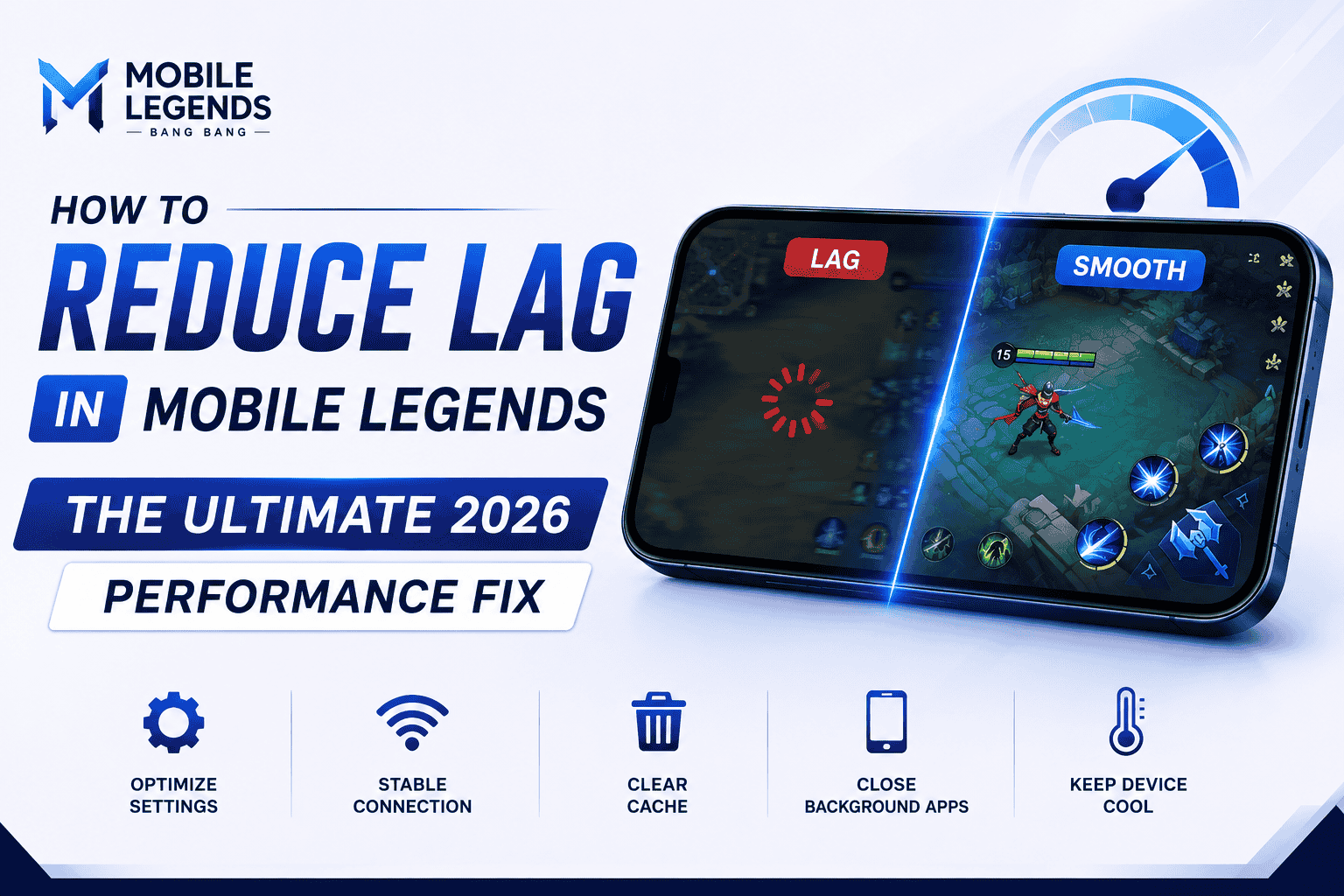

1 millisecond is the difference between a Savage and a defeat. If your screen keeps flashing the dreaded "999ms" ping, this 2026 guide is the permanent fix — no new router required.
Mobile Legends: Bang Bang runs on frame-perfect reactions. The moment your ping spikes past 150ms, your skills delay, your hero teleports across the map, and a winnable teamfight turns into a free kill for the enemy jungler.
Most players blame Moonton's servers first. In reality, the fix is almost always sitting in your own device settings — not your ISP. Here's exactly how to get a stable, green ping in MLBB in 2026.
Why Does MLBB Ping Spike in the First Place?
Before jumping into fixes, it helps to know what's actually happening. Ping in Mobile Legends is measured in the time it takes a data packet to travel from your device to Moonton's server and back. Spikes usually come from one of three places:
- Unstable local network: Weak Wi-Fi signal, congested household bandwidth, or a poor 5G connection.
- Device overload: Background apps quietly eating bandwidth and processing power mid-match.
- Bad routing: Your ISP sending game data on an inefficient path to the nearest MLBB server.
The good news: all three are fixable in under ten minutes, and none of them require buying new hardware.
5 Ways to Fix High Ping in Mobile Legends (2026)
Stabilize Your Connection
Choose stability over raw speed — Wi-Fi isn't always the better option.
Turn On Network Tools
Speed Mode and Network Boost exist in-game — most players never enable them.
Change Your DNS
A faster route to Moonton's servers can shave 15-20ms off your base ping.
1. Stability Over Speed
A 1,000 Mbps fiber connection means nothing if the signal drops for even half a second mid-fight. Mobile gaming rewards a stable connection over a fast one.
- Wi-Fi vs. 5G: In many urban areas, a 5G mobile connection is more consistent for gaming than a household Wi-Fi router shared across multiple devices. If your Wi-Fi ping fluctuates, test 5G instead.
- Physical barriers: Thick walls, metal doors, and microwaves all degrade Wi-Fi signal. Find the strongest signal spot in your home and make it your dedicated ranked zone.
2. Use MLBB's Built-in Network Tools
Moonton ships genuinely useful anti-lag tools, but the vast majority of players never turn them on. Go to Settings → Network and activate the following:
| Setting | What It Does |
|---|---|
| Speed Mode | Sends data packets more aggressively, reducing packet loss and skill-cast "teleporting." |
| Network Boost | Uses Wi-Fi and mobile data simultaneously, so a Wi-Fi dropout doesn't disconnect you. |
🎯 Pre-Match Cache Clear
Before a big ranked session, go to Settings → Network Test → Cache Clearance. MLBB stores temporary skin and asset data that can cause micro-stutters during 5v5 clashes. This 10-second habit resolves a surprising share of in-match lag.
3. Manage Background Apps and Game Turbo
Your phone multitasks constantly. Apps like Instagram, WhatsApp, and cloud backup services quietly download updates in the background — stealing bandwidth right when you need it most.
- Force-close everything in your background tray before entering the Land of Dawn.
- Enable Game Turbo or your phone's "Pro Gaming Mode" if it has one — it blocks background bandwidth usage and prioritizes MLBB.
4. Change Your DNS for a Faster Route
Sometimes your ISP routes game traffic along an inefficient path to Moonton's servers. Changing your DNS can fix this:
- Go to your phone's Wi-Fi settings → Private DNS.
- Set it to
dns.googleor1.1.1.1. - This forces a more direct route to the game servers and can lower your base ping by roughly 15-20ms.
5. Weekly Maintenance Habits
A single fix rarely holds forever. Build these into a weekly routine so lag doesn't creep back in:
- Clear game cache once a week, not just before big matches.
- Restart your router monthly to clear its memory buffer.
- Recheck Speed Mode and Network Boost after every MLBB update — settings occasionally reset.
Default vs. Optimized Settings
| Setting | Default | Optimized |
|---|---|---|
| Speed Mode | Off | On |
| Network Boost | Off | On |
| Private DNS | ISP default | 1.1.1.1 or dns.google |
| Background apps | Running freely | Force-closed pre-match |
Conclusion: Key Takeaways
Fixing MLBB's 999ms ping problem is almost always about controlling your own network environment, not waiting on Moonton's servers to improve.
- Prioritize stability: test both Wi-Fi and 5G, and play from your strongest-signal spot.
- Turn on Speed Mode and Network Boost: both sit unused in most players' settings.
- Clear your cache weekly to prevent micro-stutters mid-fight.
- Force-close background apps and switch to a faster DNS route.
Ready to climb to Mythic? Now that your connection is flawless, it's time to upgrade your hero.
Head to the MLBB Top Up Store on mlbbtopup.in for the cheapest, fastest, and most secure diamond deliveries.
FAQ: Fixing Ping Issues in Mobile Legends
Why is my MLBB ping suddenly 999ms?
A 999ms reading usually means a dropped or extremely unstable connection rather than normal lag. It's most often caused by weak Wi-Fi signal, background apps overloading your bandwidth, or a temporary Moonton server issue. Checking your connection stability and clearing your game cache resolves it in most cases.
What is a good ping for MLBB ranked matches?
Under 50ms is considered ideal, and anything up to 100ms is generally playable. Once ping crosses 150ms, skill delays and hero "teleporting" become noticeable enough to affect teamfights.
Does changing DNS actually lower ping in Mobile Legends?
Yes, in many cases. A Private DNS like 1.1.1.1 or dns.google can route your data more directly to Moonton's servers, typically shaving 15-20ms off your base ping depending on your ISP's default routing.
Should I use Wi-Fi or mobile data for MLBB?
Whichever is more stable, not necessarily faster. A shared household Wi-Fi network can be less consistent than a strong 5G signal. Test both from your usual playing spot and stick with the one that has fewer spikes.